Pengelolaan Stok Barang dengan Aplikasi Kasir: Panduan Praktis
Kebanyakan toko kecil di Indonesia masih catat stok di kertas. Ini kenapa itu bikin rugi dan apa yang harus dilakukan.
Kebanyakan toko kecil di Indonesia melacak stok dengan cara yang sama seperti dua puluh tahun lalu. Mereka lihat rak, tebak apa yang mau habis, dan catat. Beberapa tidak melacak sama sekali dan baru sadar stok habis saat pelanggan menanyakannya.
Dulu saya pikir lacak stok cuma untuk bisnis besar dengan gudang. Sampai saya ngobrol dengan pemilik toko kecil di Tangerang yang cerita dia rugi sekitar Rp 500.000 sebulan karena produk kedaluwarsa yang dia lupa punya. Itu menarik perhatian saya.
Soal stok untuk bisnis kecil, kamu tidak butuh sistem manajemen gudang lengkap dengan scanner barcode dan pesanan pembelian. Kamu perlu tahu tiga hal. Apa yang kamu punya, apa yang mau habis, dan apa yang tidak laku.
Aplikasi kasir dengan lacak stok dasar menyelesaikan ini. Setiap kali kamu jual sesuatu, stok berkurang otomatis. Kamu atur peringatan stok menipis dan aplikasi bilang kapan harus pesan ulang. Kamu buka laporan akhir bulan dan lihat produk mana yang tidak bergerak.
Kesalahan yang sering dilakukan adalah berpikir harus menghitung setiap barang di toko sebelum mulai. Tidak perlu. Mulai dengan 20 produk terlaris. Lacak itu dulu. Tambahkan sisanya nanti kalau ada waktu.
Tips lain. Catat tanggal kedaluwarsa untuk produk yang bisa basi. Meskipun cuma catatan di sistem, ini lebih baik daripada menemukan stok kedaluwarsa padahal harusnya kamu jual.
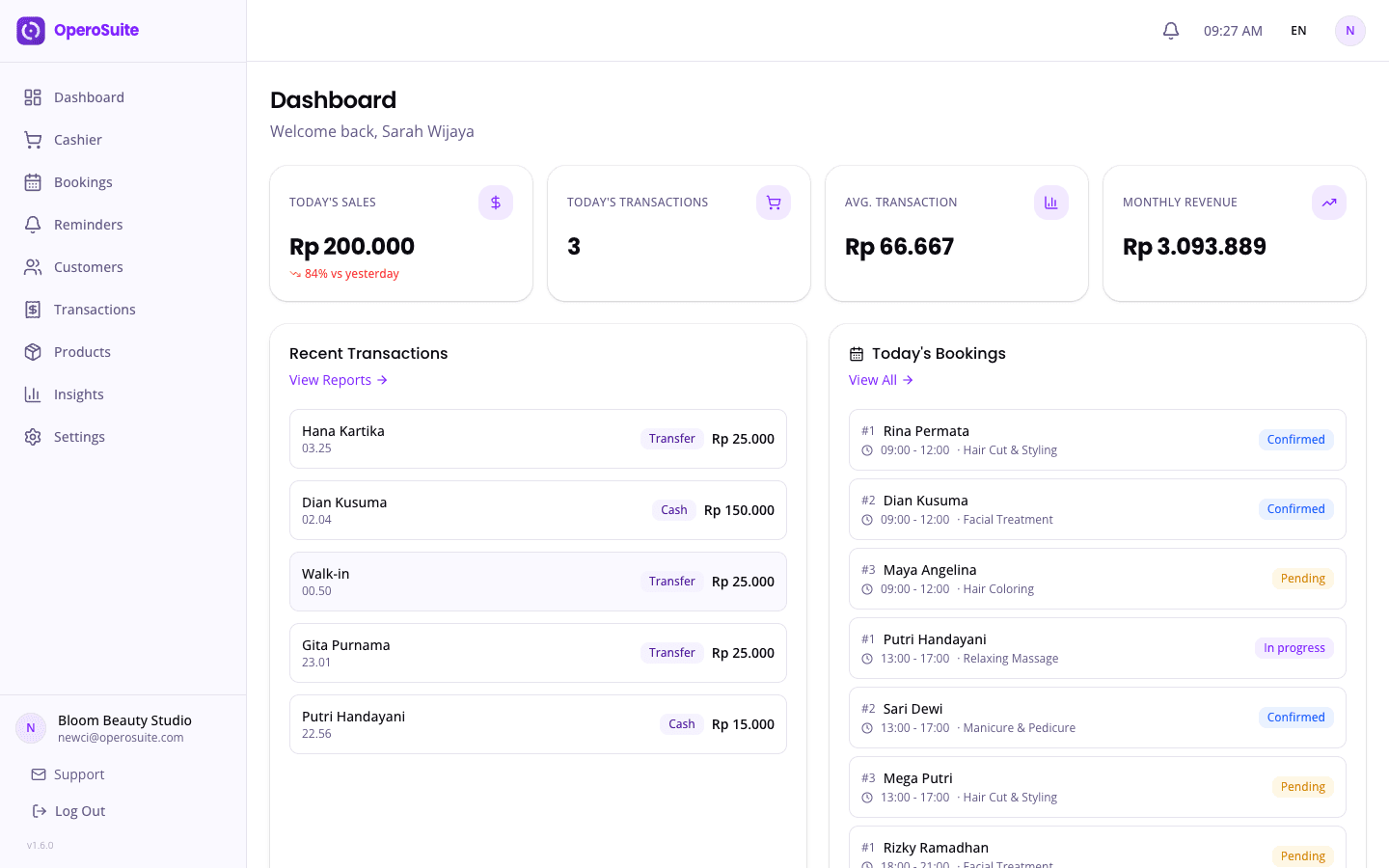
OperoSuite punya lacak stok dengan peringatan stok menipis dan laporan penjualan. Siap pakai dalam waktu kurang dari sepuluh menit. Coba aplikasi kasir online dengan percobaan gratis.
Apakah toko kecil beneran butuh lacak stok?
Kalau kamu pernah kehabisan produk terlaris tanpa sadar, atau nemu stok kedaluwarsa yang lupa, iya — bahkan lacak stok dasar bisa mencegah keduanya.
Perlu nggak lacak setiap produk di inventaris?
Nggak. Mulai dengan 20 produk terlaris. Tambahkan sisanya nanti setelah kebiasaannya sudah jalan.
Cara paling gampang mulai lacak stok tanpa sistem lengkap?
Aplikasi kasir yang otomatis kurangi stok tiap penjualan dan kasih peringatan di ambang stok menipis — nggak perlu hitung manual atau spreadsheet.